Disciples Insurance
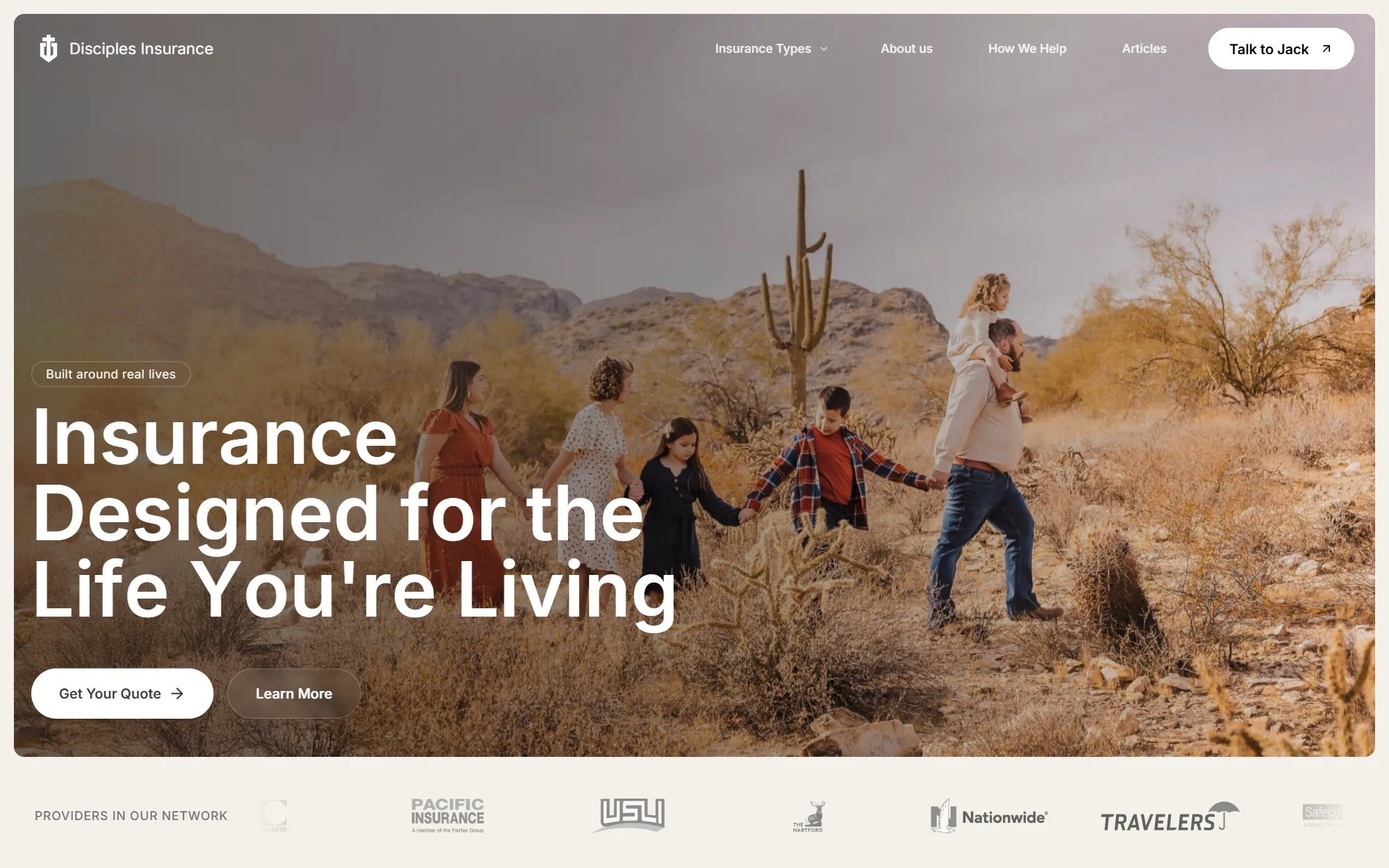
The website for an independent Arizona insurance broker who explains coverage before he sells it: plain-language pages for every policy, articles he publishes himself and his quoting tool a click away.
Visit disciplesinsurance.com
The challenge
Jack Adams founded Disciples Insurance because he was tired of seeing insurance treated like a transaction instead of a relationship. He's an independent broker in Phoenix, and his approach is simple: explain the coverage plainly, then help people choose.
Most insurance websites work the other way round. They push visitors toward a quote form and leave the real questions for later: what a policy covers, what it doesn't, and why it costs what it does. Jack needed a site that answered those questions first, for families shopping for auto and home cover and for business owners comparing liability, property and workers' comp.
And it had to stay his. A one-person agency can't wait on a developer to change a sentence, so every page had to be something Jack could edit himself, live the moment he saved it.
Explaining coverage before selling it
The site is organized around questions rather than products. Personal coverage (auto, home, renters and umbrella) and business coverage (general liability, commercial property, commercial auto, workers' comp, business owner's policies and errors and omissions) each get their own plain-language explanation. A How We Help page walks through what working with Jack looks like, and an FAQ covers the questions he hears most.
It's a faith-based business, and the About page says so in Jack's own words. The rest of the site lets that show through in how it talks: honest, patient and never pushy.
Search engines get the same clarity as visitors. Each page has its own title and description, which Jack can change from the admin, and structured data marks the business as a local insurance agency serving Arizona.
How a change goes live
Jack edits his own site. This is what happens between pressing save and a visitor reading the new words.
Edit a section
Each section of the main pages has its own form in the admin, from the homepage headline to the coverage cards, the FAQ and the contact details.
Save
The change is checked and stored, and the admin records who changed which fields and when.
Refresh only that page
Saving clears the cache for the page that changed and for the sitemap. Every other page stays exactly as it was.
Live on the next visit
The next visitor gets the new version, built once and fast to load. There's no timer to wait for and no deploy.
Found by search
The sitemap's dates move with real edits, so search engines can tell what's actually new.
Hide until ready
A section that isn't ready can be switched off without deleting it, then switched back on later.
Using the quoting tool he already trusts
Jack already compared quotes across carriers with an independent comparative rater. Rebuilding that would have cost months and added nothing, so we built the site around it. On a desktop the quote form sits right on the contact page; on a phone, one button opens it full screen, where it's easier to fill in.
The rater's address lives in the admin, so if Jack changes tools the site follows without a code change. Everything else is a direct line: tap to call, text or email Jack. A rotating grid shows the 24 carriers he works with.
A site the broker runs himself
We built a custom admin rather than bolting on a generic page builder. The homepage, About, How We Help, Insurance and Contact pages are split into 25 sections, and each one is its own small form with its own fields. Jack changes a headline or adds an FAQ without touching anything around it, and the layout can't break because the design isn't his to edit.
Sections can be hidden and brought back. Every save is logged with the fields that changed, so if something looks different there's always an answer to what happened and when.
Fast pages that are never out of date
Most sites like this rebuild their pages on a timer, every few minutes whether anything changed or not. That's wasted work, and edits still take a while to show. Instead, each page is built once and kept until its content actually changes. Saving in the admin clears exactly that page and the sitemap, so edits appear straight away and visitors get a page that's already built.
Articles are written in WordPress, which Jack already knew, and shown on the site itself with search, category filters, pagination and links to the next read. New articles reach the sitemap on their own, so they're found without anyone resubmitting anything.
Where it is now
Disciples Insurance is live. Jack edits the site himself, publishes articles from WordPress and sends visitors to his quoting tool when they're ready.
We still look after it. Since launch we've patched a vulnerable dependency, sharpened the search metadata and tidied the layout on phones.